Aligne vs Miro
A Miro alternative for marketing journeys.
Miro is a flexible whiteboard for visual collaboration of every kind. Aligne is purpose-built for lifecycle and CRM journeys — and the communications inside them.
No credit card required.
Last reviewed:
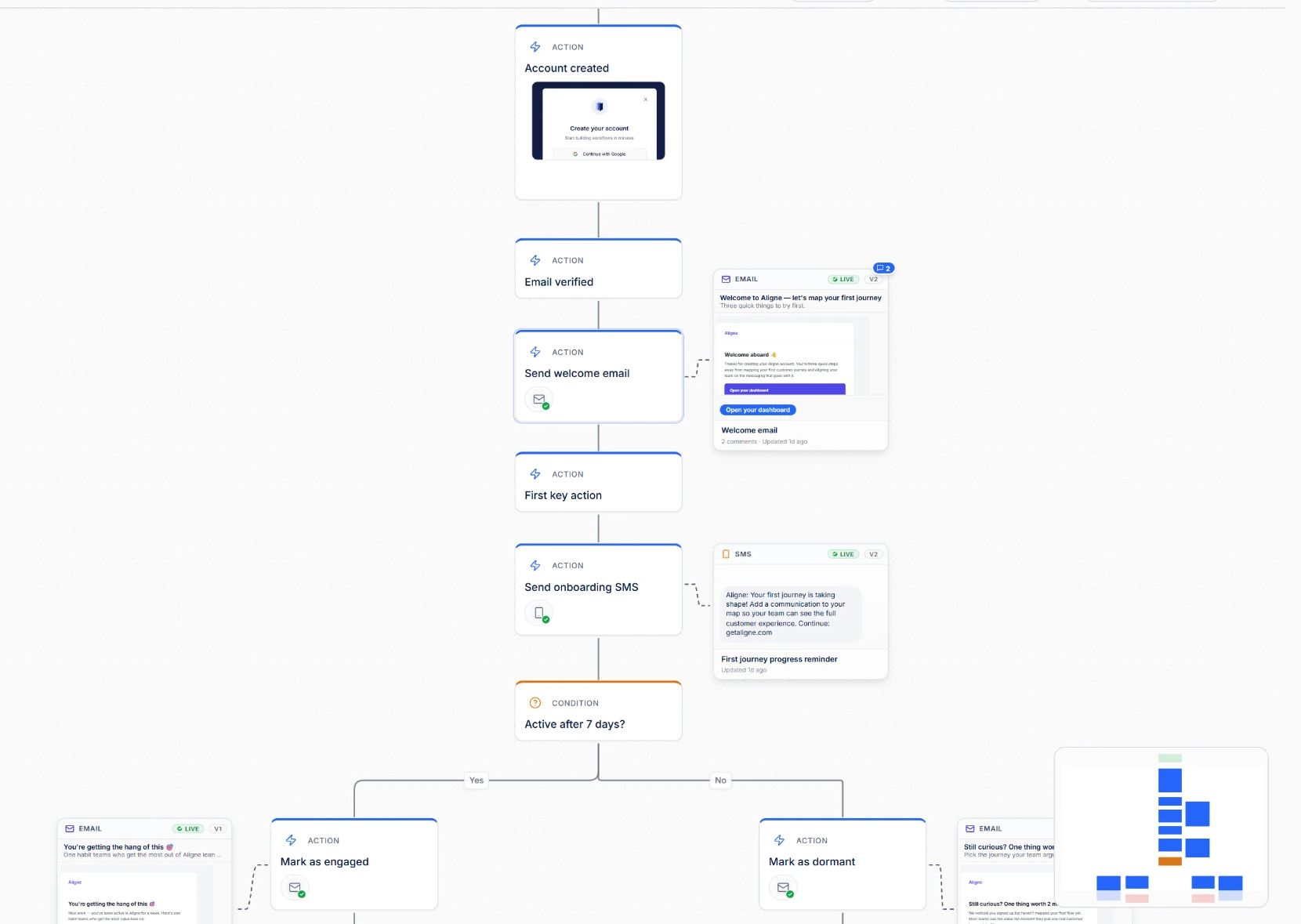
A box that says “Send email” only tells part of the story.
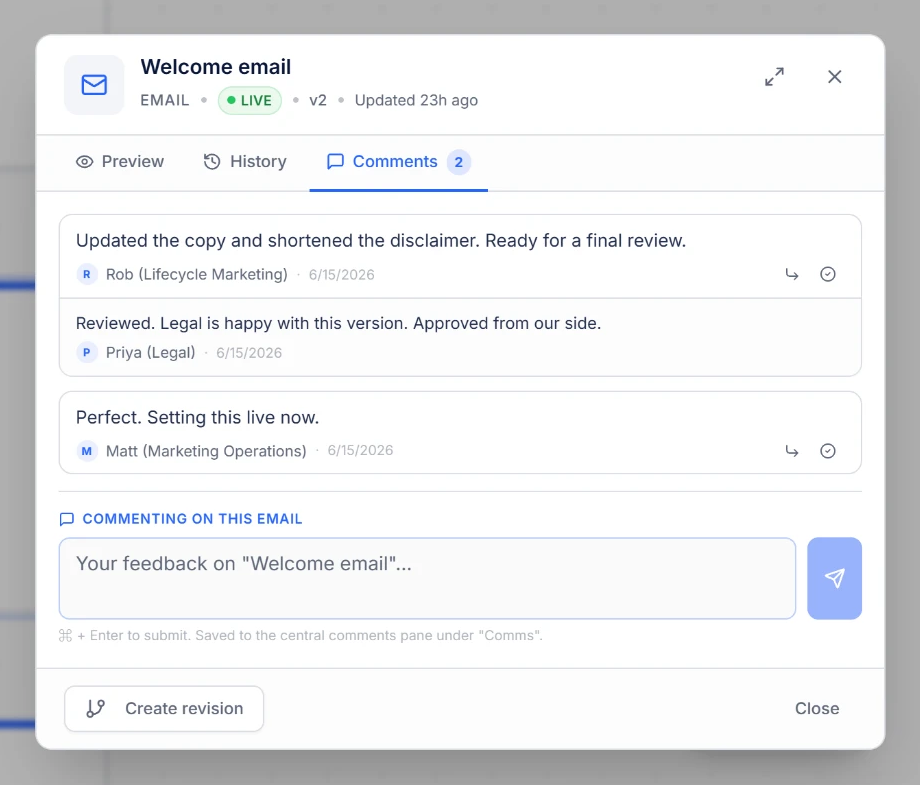
On any whiteboard, the message is a label. In Aligne, the communication itself can live within the journey — content, status, version context, and its place in the flow.
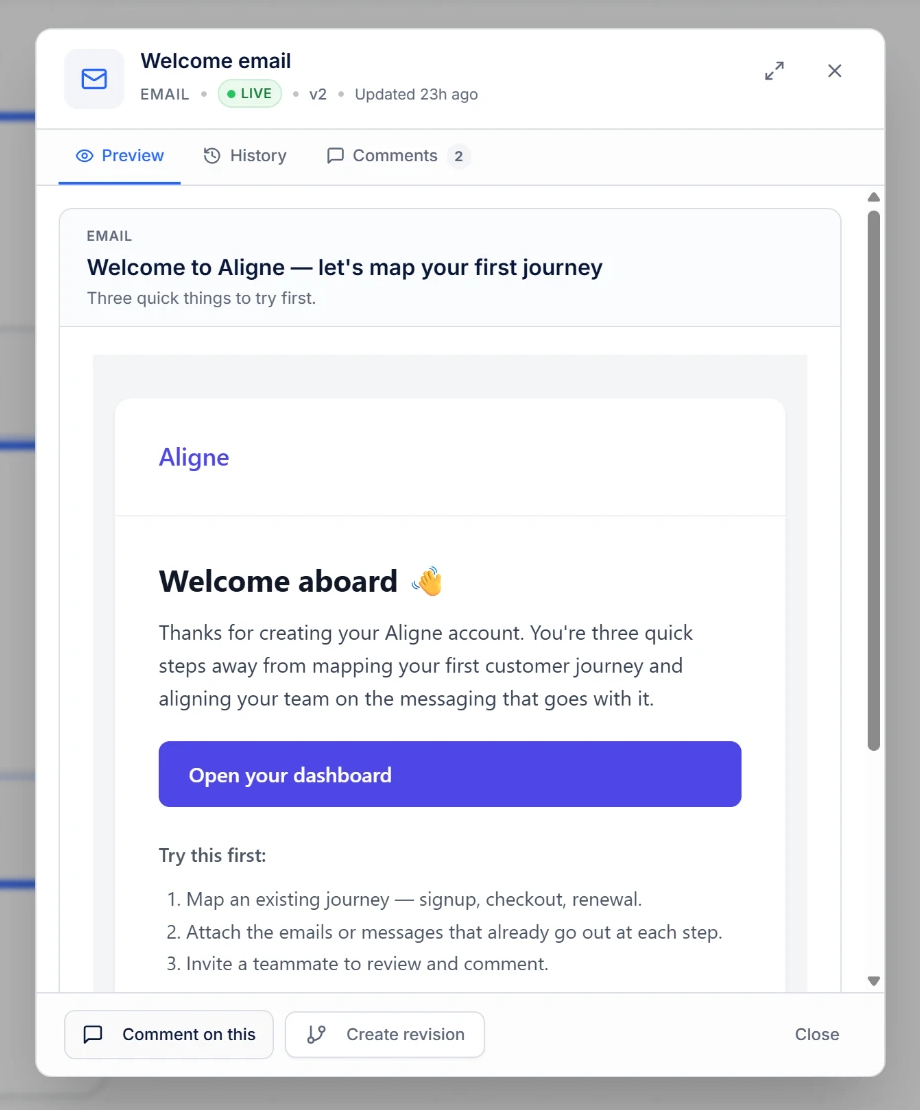
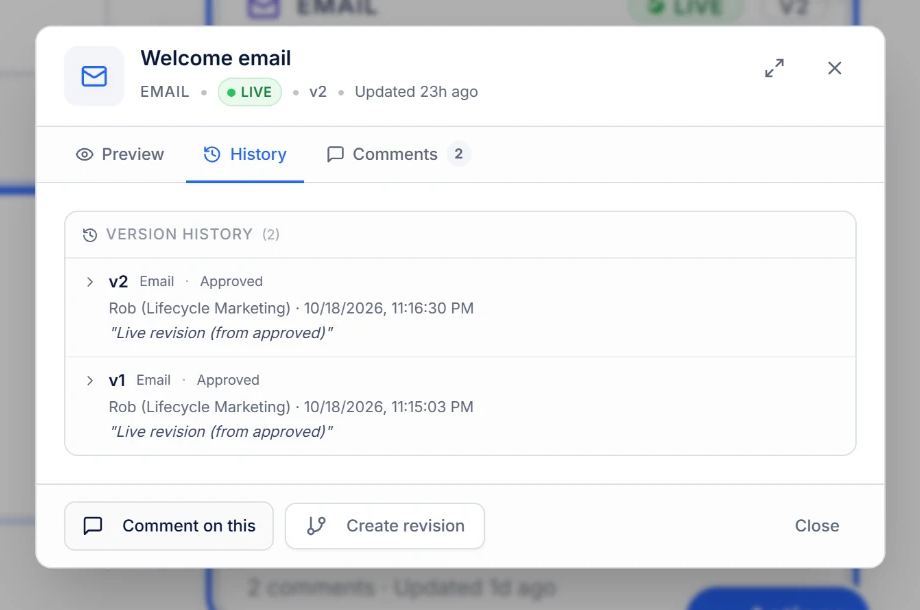
Which version is live?
If answering that means checking four places, the journey map is only part of the system.
Nobody should have to reopen four tabs to answer a question that simple. In Aligne the answer sits on the step: the version your team marked Live, its revision history, and notes on what changed.
Aligne and Miro, side by side
Two different jobs. This is a comparison of focus, not a scorecard.
What it is built for
Miro
A general-purpose whiteboard used across many kinds of visual work.
Aligne
A focused canvas for marketing journeys and the communications inside them.
How a message is represented
Miro
A shape, sticky, or card, labelled however your team prefers.
Aligne
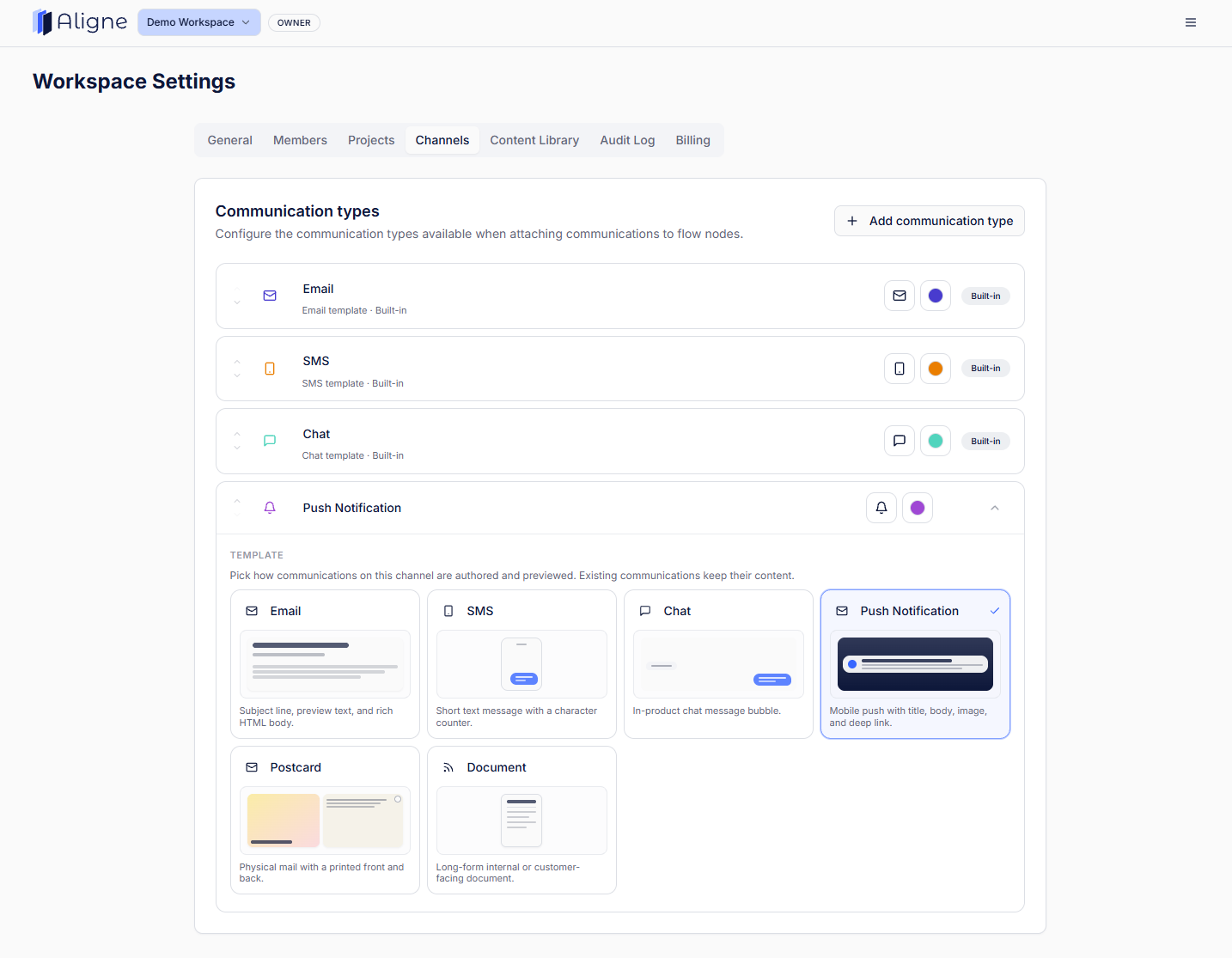
A communication on the step — real content, a type (email, SMS, push, chat, internal), and its own status.
Status of the content
Miro
Whatever convention your team agrees on: colours, tags, or text.
Aligne
Draft or Live is a built-in property of every communication.
Version context
Miro
Board history covers the canvas; copy versions usually live in the ESP or docs.
Aligne
Each communication keeps its own revision history, with notes on what changed and who changed it.
Review and sign-off
Miro
Comments on the canvas, alongside a very wide range of collaboration features.
Aligne
Comments and review sit on the communication being approved.
Flexibility
Miro
Extremely broad — almost anything visual can be built on the board.
Aligne
Deliberately narrower, because the use case is specific.
Miro is a trademark of its respective owner. Aligne is not affiliated with Miro. Descriptions above are a summary of product focus, not an exhaustive feature list — check each product for current capabilities.
When Miro is the better choice
If the work is open-ended and visual, a whiteboard is the right tool.
- Brainstorming and idea generation with a large group.
- Workshops, retros, and facilitated sessions.
- Freeform whiteboarding before the structure is known.
- Visual collaboration far beyond marketing.
- Diagrams that are not customer journeys at all.
When Aligne is the better choice
If the journey is real, recurring, and full of customer communications.
- Lifecycle and CRM programmes where the communication content is spread across an ESP, docs, and chat.
- Onboarding, activation, and retention journeys that change every few weeks.
- Copy reviews where feedback keeps getting separated from the message it belongs to.
- Teams who lose time reconstructing what a journey does before they can change it.
- Handoffs between marketing, ops, product, and stakeholders who were not in the room.
Many teams use both
Miro for the whiteboard. Aligne for the marketing journey.
Sketch the idea on a whiteboard with the wider team, then bring the journey into Aligne once it becomes something you run, review, and maintain — that is the flowcharts, but for marketers idea in practice. If your team is weighing another general-purpose visual tool, the same distinction applies to Lucidchart, and you can see every Aligne comparison by tool category in one place.
Flowcharts, but for marketers.
Map the journey, keep the communications inside it, and always know which version is live. Free to start.